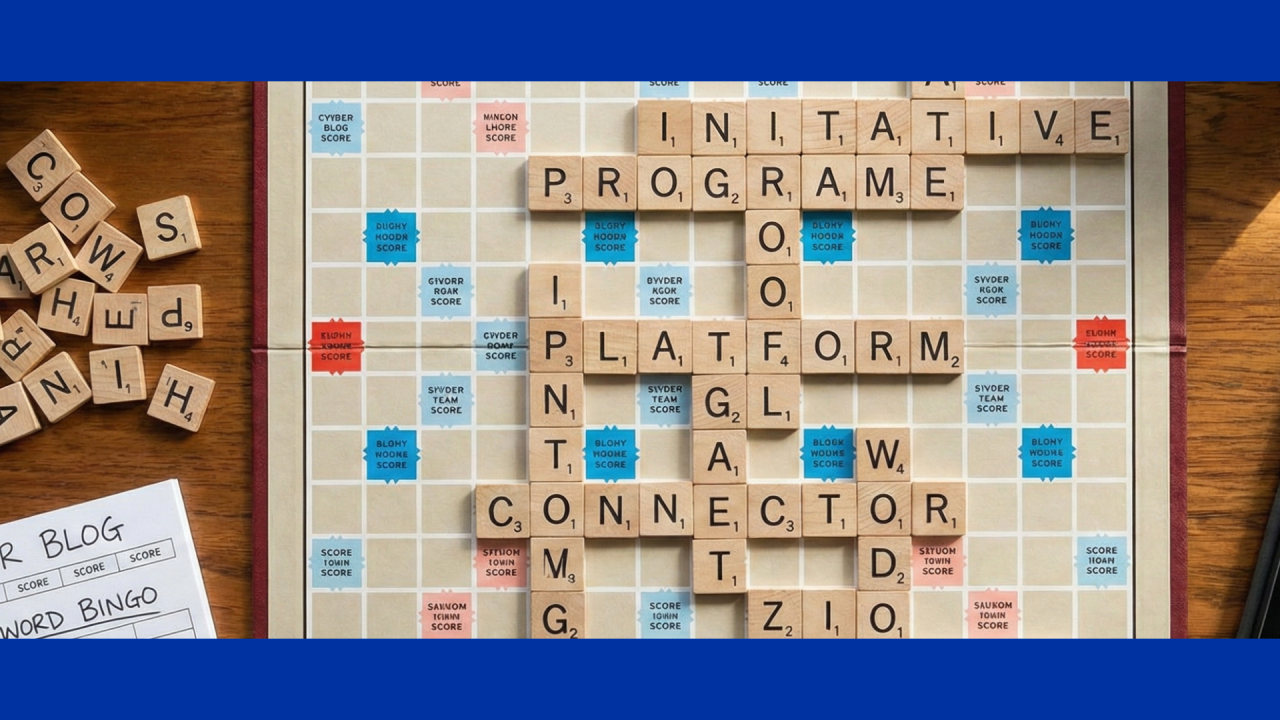
When meeting with customers in state government, local agencies, higher education, and school districts, one thing that stands out is how the words thrown around in those meetings ("project," "initiative," "tool," or "platform") pretty much broadcast exactly where an organization sits on the identity security ladder.
Every variation gets used. Those terms aren't just buzzwords; they show whether identity is being treated as a real enterprise priority or just another IT headache, especially with skinny budgets, strict compliance demands like FERPA, CJIS, and HIPAA, and efforts that drag across multiple budget cycles.
Here's a breakdown of the common ones heard daily, plus what they quietly reveal.
Project vs. Initiative vs. Program
Conversations often kick off with "We're starting an IAM project next quarter" (usually a focused push, like finally getting MFA rolled out campus-wide, automating new student accounts, or cleaning up those zombie IDs lurking in Active Directory). That's spot-on for a project: clear start, finish, budget line, and deliverables.
Then leaders say "We're launching an identity initiative" or tie it to the big zero-trust push or cloud migration. An initiative has more strategic flavor (cross-departmental, linked to executive priorities, maybe bundling a few projects) but without the full long-term scaffolding.
The organizations that are really cooking call it their "enterprise identity program" or "identity governance program." A program comes with formal governance, recurring funding (hard-won every legislative session), and it orchestrates projects, initiatives, and daily operations toward lasting wins (actual zero-trust progress, always-audit-ready posture, and steadily dropping identity risk).
Staying stuck in project mode leads to silos and endless whack-a-mole. Calling it a program flips how leadership views money and staying power.
Tool vs. Platform
Early discovery conversations usually start with "What tools play nice with our mess?" or "We're shopping IAM tools." A tool is narrow and shiny (killer at one job, like directory sync, privileged access, or basic SSO). Quick win, sure, but often shortsighted.
Think of it like grounds maintenance on state property: a tool is that fancy new weed whacker (great for tidying one sidewalk today, but if you're in charge of hundreds of acres staying sharp year-round, you need a proper landscaping plan with irrigation, soil testing, seasonal schedules, and gear that works in harmony). Collecting more random power tools just gives you a patchy lawn and a sore back.
When an agency says "We need an enterprise platform," they're ready for the big leagues. A platform delivers one unified system covering governance, lifecycle, privileged access, authentication, analytics — everything. It lets large public organizations wrangle identities for staff, faculty, students, contractors, even citizens across on-prem, hybrid, and multi-cloud without dropping the ball.
The game-changer is the underlying data model. A solid platform normalizes identities, accounts, entitlements into one consistent view. That's what makes real reporting, AI insights, role mining, and policy enforcement work at scale. Glue together point tools and you're forever reconciling mismatched data.
Integration vs. Connector
Everyone wants to know "How long for this integration?" or "Got a connector for PeopleSoft, Banner, Workday?" An integration is the full hookup (data flowing smoothly both ways). A connector is the adapter doing the heavy lifting (aggregation, provisioning, entitlements, passwords, the works).
Scale is where the rubber meets the road. Too many meetings feature teams shrugging and saying "We honestly don't know how many apps we have." Mature ones track 1,000–2,000+ and treat connections like a repeatable discipline:
- Huge library of out-of-the-box connectors for the usual suspects (HR, student systems, ERPs, directories, cloud)
- Formal partner programs keeping everything current as vendors change things
- Standard kits for whipping up customs fast
- Solid onboarding playbook: discover → prioritize by risk and usage → pick or build connector → test → deploy → monitor forever
This is where long-term cost becomes crystal clear. A custom connector built once-off for a niche app might look cheap upfront but over a 5–10 year program horizon, the real bill hits: ongoing maintenance when the app upgrades, version drift, knowledge loss when the developer leaves, and repeated costs every time another custom need pops up. Mature programs flip that script by standardizing on a framework that keeps custom work rare and predictable.
Widget
SaaS sales teams absolutely love opening demos with widgets — nothing gets a quicker "ooh" than dropping a slick graph view of all your identities or an access-request approval right in Slack. A widget is exactly that: a small embeddable UI bit for self-service or dashboards.
They're cool, no doubt. But agencies sometimes chase them too soon and end up with lipstick on a pig. If the backend is patchy — data not normalized, policies scattered, most apps still disconnected — that widget turns into a shiny risk magnet: approving dodgy access or resetting passwords on accounts nobody can see.
In mature programs, widgets are dessert. Once visibility and control are locked down enterprise-wide, then they're layered on to slash help-desk tickets, boost satisfaction, and make self-service genuinely safe and compliant.
Listen to the Words
The language used shapes how leaders hear the pitch — and where the dollars go. Lingering in project and tool talk keeps everything tactical and usually starved long-term. Moving to program and platform conversation raises it to strategic, outcome-focused thinking that actually sticks.